Bootcamp
Bootcamp & Certifications
Get up-to-speed and certified on-site with Microsoft, Citrix, Broadcom EUC, and IGEL
Keynotes
Keynotes
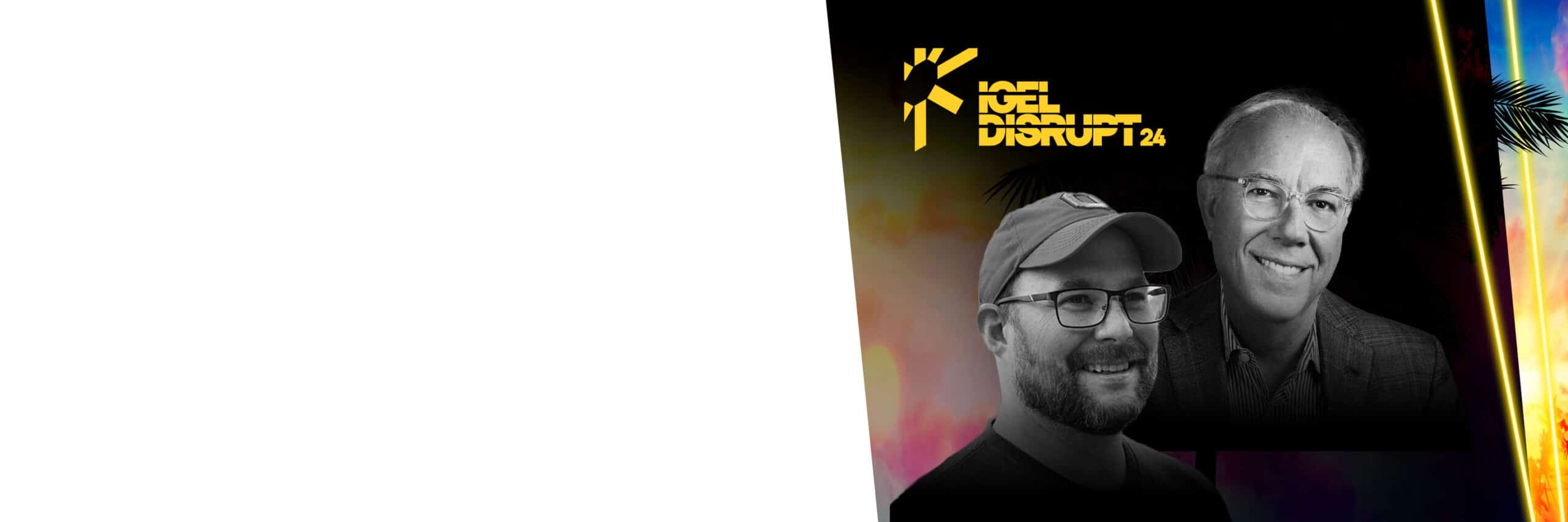
From Industry Heavyweights
Mark Templeton, former Citrix CEO, and Gabe Knuth, Analyst at ESG share unmissable insights for the Now & Next
Sponsors
The EUC Event
for Now & Next
Endpoint Security. Digital Workspaces, and Beyond, with exclusive keynotes from our industry experts and sponsors.
Party
Party Headliner
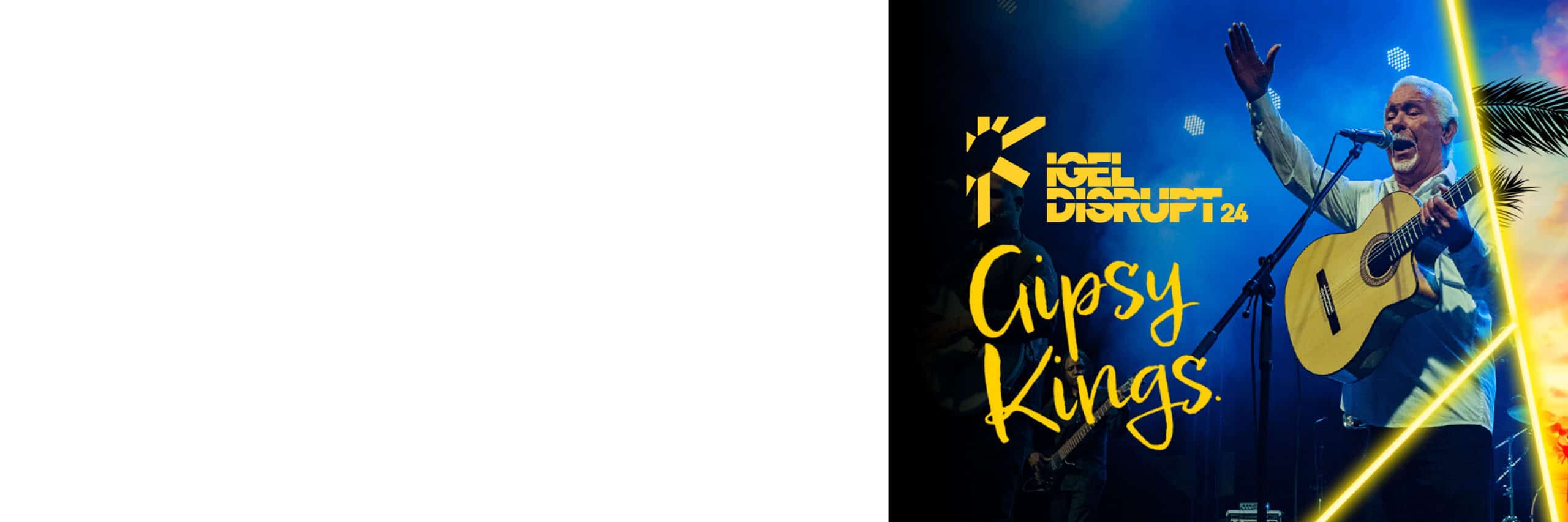
Pablo Reyes, founding member of the Gipsy Kings, is bringing the sound of the summer to Disrupt.
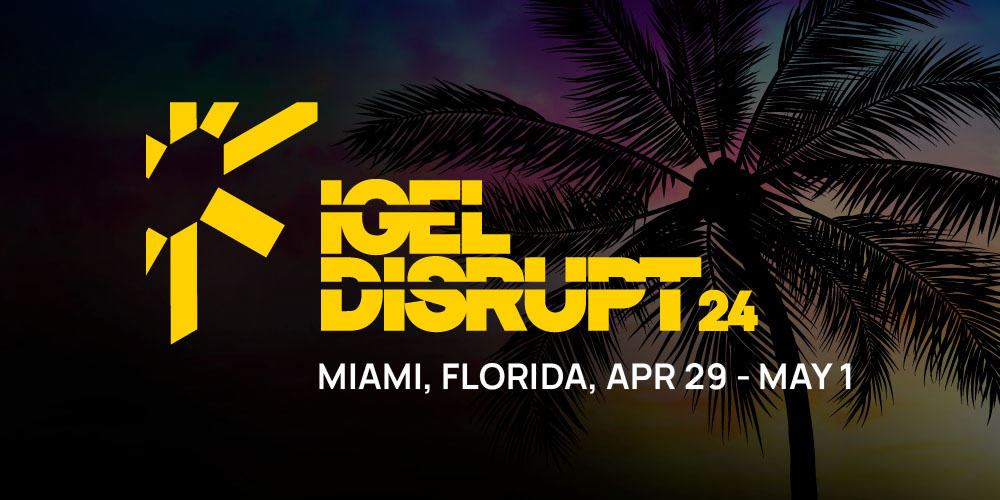
APRIL EXCLUSIVE:
Last Chance to Attend DISRUPT!
Don’t miss your chance to attend the ultimate EUC event! We have visionary keynote speakers, technical boot camps, and over 35 breakouts featuring all the top vendors in EUC. Tickets are selling fast, but we still have some available, act now! Get yours for just $199 instead of $350. Enter the code LASTCHANCE24 at checkout.
Reduce Endpoint Budgets by as Much as 75%*
Move to Windows 11 in the Cloud with Existing Endpoint Hardware
Reduce your Endpoint Attack Surface by up to 95%
Preventative Security Model
IGEL OS is designed around a Preventative Security Model™ that removes the attack vectors exploited by bad actors for ransomware and other cyber-attacks. IGEL OS supports Zero Trust approaches to IT security.

Read-Only OS
Users cannot unwittingly, or maliciously, install malware to the endpoint. Organizations reduce the risk of successful phishing, ransomware and other cyber-attacks.
No Local Data Storage
No customer, patient or financial data is stored at the endpoint eliminating possible data breaches from lost or stolen endpoints.
Trusted Application Platform
A secure chain of trust from the hardware through the software ensures that IGEL OS has not been tampered with.
Modular Design
By delivering only what is needed at the endpoint, the attack surface is kept to a minimum. The IGEL App Portal enables on demand installation of partner applications.

Simplified Management
IGEL OS simplifies the endpoint footprint reducing the need for additional software agents, extensive testing programs, and long update cycles. The results are greatly reducing endpoint CAPEX and OPEX, more uptime and better endpoint performance.
Centralized Management
All IGEL OS endpoints are updated centrally within and outside of the network
No Extra Agents
The Preventative Security Model™ and single point of management removes the need for multiple additional agents saving time and money
No Untimely Reboots
Background updates and a small endpoint footprint keep workers focussed and productive
Supporting Sustainability
IGEL OS significantly improves IT’s contributions to meeting your organizations sustainability goals. Reducing power consumption and extending device lifecycles helps reduce carbon footprint by 60%.

Energy Efficiency
By removing the workloads from the endpoint with IGEL, SaaS, DaaS and VDI, power efficient devices improve consumption by up to 49%.
Extending the Device Lifecycle
Greater than 80% of a device’s carbon footprint comes from manufacturing and shipping. Delaying new device purchases averages that footprint from 3-5 years to 6-8 years.
Hybrid Working
Support for any devices form factor including laptops, desktops and thin clients supports hybrid working reducing commuter emissions.
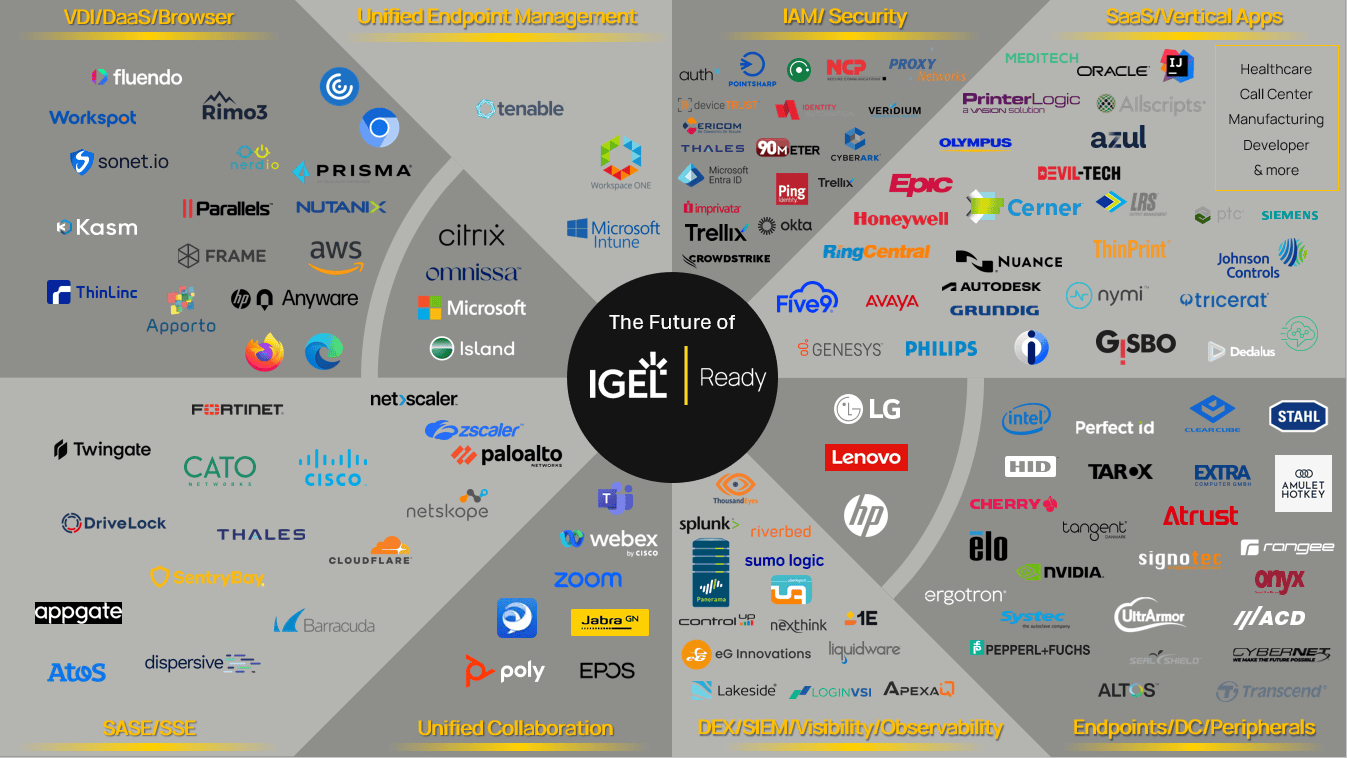
One Secure Endpoint OS – Any Cloud Workspace




IGEL OS and VDI, DaaS, and SaaS solutions deliver a seamless workspace on any device, built to support the ways people connect, communicate and collaborate in hybrid work.
* Savings will vary depending on hardware refresh timeframes, cost of labor, cost of power, individual endpoint software licensing costs.